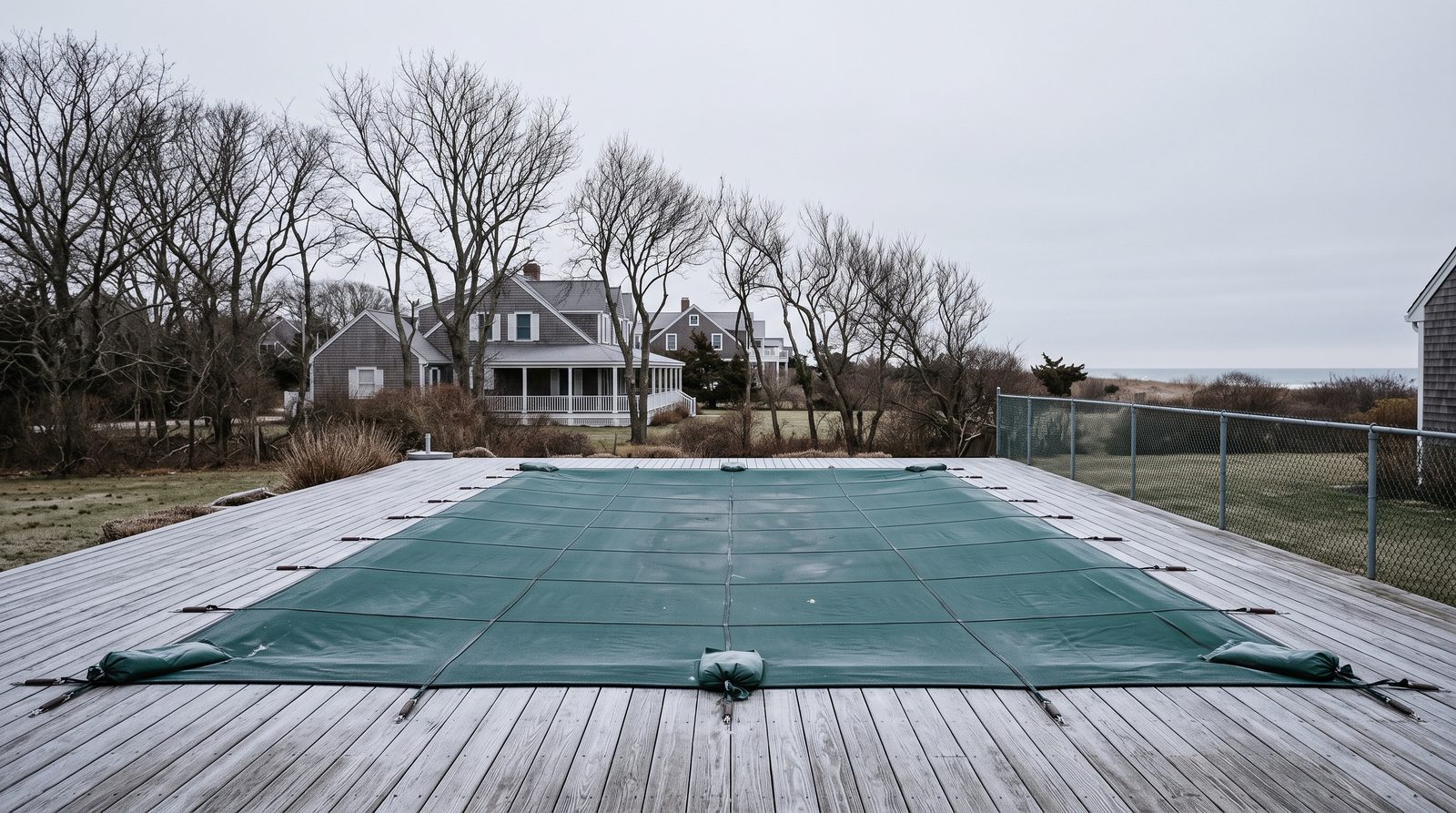
What should a seasonal business website do in the off-season?
A seasonal website should keep working in the off-season instead of going quiet. It has three jobs: show exactly what the business is booking now, give next-season customers a way to request work before the season begins, and keep useful service pages available all year. Taking the site down, freezing it, or leaving a summer-only message on it leaves customers without current instructions for the next season.
This guide is for an owner of a pool, lawn, dock, or other seasonal service business in Ocean County or Monmouth County, New Jersey, who is deciding whether to fix an aging website, rebuild one that only works in summer, or buy a first real site before spring. The goal is not to pretend the crew is available for every job in January. The goal is to give a customer an accurate next step.
For a Shore business, September through April can be a planning shape to compare with its own books, not a calendar to assume. Map the site to your closing months, your quiet months, and the weeks before your phone starts again. A second-home owner may search for a pool opening from another state in February, and a seasonal-rental owner in Manahawkin may need a clear answer without being able to walk the property.
Give the off-season site a real job
An off-season website needs a smaller, clearer promise than the site uses during peak routes. A pool company can say when closing work ends, when opening requests are accepted, and how a homeowner should request a spring slot. A lawn company can separate dormant-season cleanup or planning work from spring route enrollment instead of showing a generic message that makes every service sound unavailable.
The website should also make room for work the business actually chooses to sell between seasons. The US Small Business Administration's 2018 off-season marketing guide suggests packages for the next season, off-season offers, and staying engaged with existing customers. Use that general advice to choose an honest offer, then make the website explain its timing, limits, and contact path.
A quiet phone does not require a quiet website. A short availability bar, an opening-request form, a waitlist, or a page explaining which calls receive a winter response can do more for clarity than a large banner saying "closed." Customers still need to know whether they should contact the company now, return later, or handle an urgent property problem another way.
Plan the website around your Shore season
A website plan based on your closing months, your quiet months, and the weeks before your phone starts again gives an owner a practical sequence instead of a vague instruction to update content in winter. The close-down period should tell customers what has changed now, the deep off-season should repair the pages and forms neglected during summer turnover, and the run-up should make booking dates and service limits easy to understand on a phone.
The September-to-April shape below is a Shore planning frame to check against your own books, not a promise that every crew follows the same schedule. A business serving Brick homes, Manahawkin seasonal rentals, and barrier-island properties can adjust the wording for its routes, weather calls, and actual capacity. The important part is that the site changes with the business instead of preserving last July's instructions until spring.
| Your season period | What the site should say | What to build or fix now | What to stop doing |
|---|---|---|---|
| Your closing months (compare September to October with your books) | State which closing, cleanup, winterization, or repair requests remain available and when spring opening requests can begin. | Review summer form submissions, update service descriptions, and replace stale availability or coupon language. | Stop sending visitors to a booking calendar that shows dates the crew will not honor. |
| Your quiet months (compare November to February with your books) | Explain the winter contact path, early-planning options, and the difference between a routine request and storm-related property damage. | Repair mobile forms, rewrite weak pages, organize real job photos, and make spring requests easy to qualify. | Stop hiding the whole site behind a closed-for-the-season notice or leaving an unanswered summer form. |
| Weeks before your phone starts again (compare March to April with your books) | State when openings, route service, and first visits are being scheduled, with honest limits on dates and service areas. | Test every call, form, confirmation, and mobile booking path before the first heavy wave of opening requests. | Stop making visitors guess whether an opening request, repair request, or weekly-service inquiry reaches the right person. |
Keep useful service pages available all year
Year-round service pages give a customer a place to land when the question arrives before the season does. A page about pool openings can explain the service, service area, and request process in February without claiming that a crew is opening pools that day. A page that disappears cannot be visited or returned as an available result, and a page that says only "closed for the season" answers a different question from the one the customer searched.
The strongest pages separate services rather than folding everything into one seasonal paragraph. Keep a useful page for openings, closings, weekly care, repairs, green-pool recovery, dock repair, or spring cleanup when those are services the business actually offers. Update the call to action and current timing around the page, but do not erase the explanation a future customer needs.
A pool owner reviewing a rebuild can compare those elements with the checklist in /blog/pool-company-website-lead-features/. The same test applies to any trade: a visitor should be able to identify the service, confirm the location, understand the next step, and contact the business without hunting through a seasonal homepage.
Use winter to repair the path from search to request
Winter is the practical time to fix the website path that was too busy to inspect during the season. Start with a phone test of every main service page: tap the phone link, submit the form, read the confirmation, and make sure the request reaches a person who knows whether the job is for now, a waitlist, or spring scheduling. A form that captures no preferred timing creates work for both the owner and the customer.
Seasonal-rental turnover creates a useful qualification question for Shore trades. A customer in Manahawkin or on a barrier island may be managing the property remotely, so the site can ask whether the owner is on site, whether access is available, and whether photos can be provided. Those questions help the business prepare a useful response without pretending that every remote request can be quoted or scheduled instantly.
If traffic is reaching the site but inquiries are weak, use /blog/contractor-website-not-getting-leads/ to inspect the contact path before spending money on more promotion. If the owner is deciding what a rebuild should receive first, /blog/nj-contractor-marketing-budget/ provides a way to separate basic website repairs from broader marketing choices. A business ready to see a seasonal-service site can use /claim/ as a direct next step.
Storm demand needs an honest winter response
Nor'easter and winter-storm demand makes a quiet website especially risky for dock, bulkhead, cleanup, and repair trades. A property owner who sees damage after a storm needs to know whether the business takes winter calls, whether it is collecting photos for review, and what information belongs in the first request. A homepage that still advertises summer-only availability leaves that customer with no usable answer.
Dock and bulkhead businesses can use the off-season site to explain their own process for storm-related inquiries, site access, photographs, inspections, and project timing. Winter storms and permit timing may shape the work calendar, so the page should avoid a universal completion promise. Clear process language is more useful than a countdown or a claim that every waterfront job can start immediately.
The same approach works for lawn and pool businesses when a coastal storm creates an unexpected property need. Keep the main service pages intact, add a temporary notice only when it reflects the actual response process, and remove that notice once normal scheduling returns. The website should help an owner decide what to do next, not turn a weather event into permanent homepage copy.
Frequently asked questions
These answers address the common off-season website choices for an Ocean County or Monmouth County seasonal service business owner. The useful standard is simple: keep the site truthful about current availability while preserving the information a future customer needs.
Should I take my pool website down for the winter?
No. Keep the website and useful pool-service pages available, then change the message to match the real winter situation. A page can explain that openings are being requested for spring, that closings have ended, or that repair inquiries receive a different response time without pretending that normal summer scheduling is active.
What should my website say when I am not booking jobs?
Say what you are booking, what you are collecting for later, and when a customer should expect a response. For example, a business may accept spring opening requests, maintenance-plan inquiries, or storm-damage photos while routine route work is paused. Avoid a generic closed message that gives no next step.
Should I remove old seasonal service pages?
Do not remove useful pages just because the service is between seasons. Keep the explanation of the service, the towns served, and the contact path available. Update the availability language and calls to action so the page answers a customer's current question accurately.
When should a pool company start promoting openings?
Start when the business is ready to accept and manage opening requests, which may be before crews begin their opening work. The site should state whether a request is an appointment, a waitlist, or an inquiry for a scheduling callback. That distinction prevents customers from assuming a date has been reserved.
What is the best off-season website project to do first?
Begin with the path that loses the most useful request: a broken mobile form, unclear seasonal availability, a missing service page, or a contact process that does not distinguish immediate work from spring planning. Then test the full experience on a phone before the first surge of seasonal inquiries arrives.