What does a contractor website in Brick NJ need?
A contractor website in Brick NJ needs a click-to-call button above the fold, a clear statement of the towns and neighborhoods served, and real before-and-after project photos. It also needs a short estimate form that asks for the job type and timing so the contractor can respond with context. Those basics turn a visitor who is comparing local companies into a contact with a clear next step.
The page should answer the practical questions a Brick homeowner asks before sharing a phone number: Do you work near my property? Do you handle this kind of job? What should I send you? When might I hear back? A strong local site answers those questions in the first screen or two, then gives enough proof and detail for a careful buyer to continue.
The first elements of a Brick contractor website
This order matters because many shore visitors arrive from a phone while standing at a property, driving between jobs, or preparing a rental for its next guests. A contractor does not need every possible page on the home page. The first screen should establish the trade, the local service area, and the action the visitor can take now.
A ready-built Shoreline Sites demo can provide a starting structure for that work. Blue Buoy Pool Care and ClearCoast Power Washing are fictional portfolio builds that visitors can tour; they are layout and content examples, not claims about real client performance. A Brick contractor would replace the demo name, phone, towns, photos, services, and response policy with accurate business information.
How should a contractor website handle calls and estimate forms?
Put the primary phone number in the top navigation and repeat it beside the main estimate button. On mobile, use a tap-to-call control with a plain label such as Call for an estimate. On desktop, show the number as text as well, so a visitor can write it down or use a work phone. The call to action should appear beside the opening service statement, after each key service section, and at the end of the page.
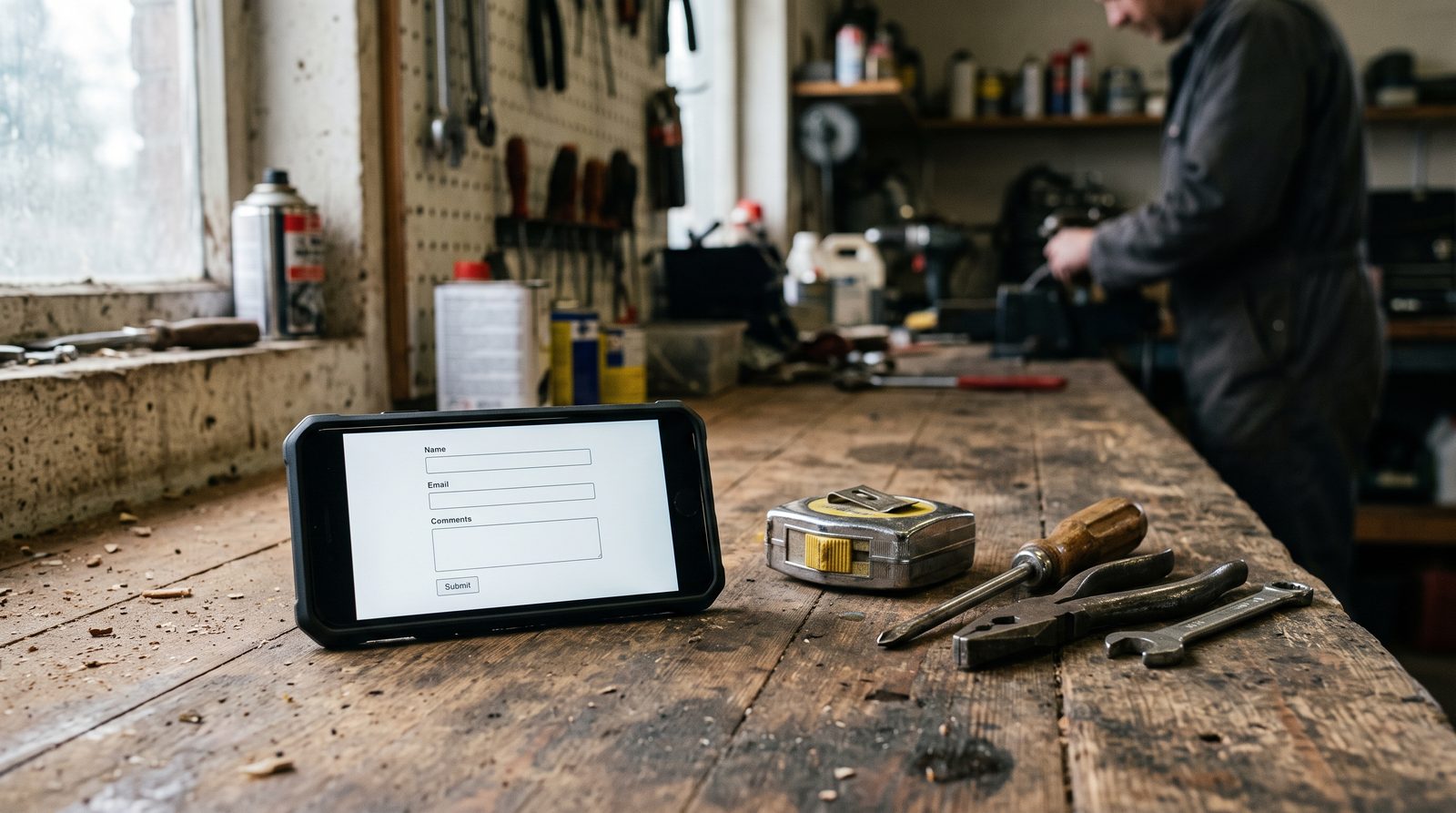
The estimate form should be short enough to finish but specific enough to prevent an empty inbox. Start with the service or job type, such as pool opening, house wash, storm cleanup, deck work, addition, or repair. Ask for the property town or neighborhood, a rough timing choice such as this week or planning for later, and the preferred response method. A phone number and email can be requested with a note explaining how they will be used.
A useful form can also invite a brief description and optional photos. Do not make a homeowner write a long scope before anyone replies. The goal is a better first conversation, not a pretend instant bid. If the business does not serve a job type, the form and service pages should say so rather than collecting requests that will be declined later.
| Element | Where it appears | On a phone | What the visitor sees next |
|---|---|---|---|
| Phone number | Top navigation, beside the main estimate button, and at the end of the page. | Tap-to-call with a plain label such as Call for an estimate. | A live conversation, which is still the fastest route to a booked job. |
| Estimate button | Beside the opening service statement and after each key service section. | Full-width and thumb-reachable, not a small text link. | The estimate form, not a generic contact page. |
| Estimate form | On its own page and embedded after the main service blocks. | Short enough to finish one-handed: job type, town, timing, contact. | A confirmation that states the response time. |
| Job type selector | First field of the form. | A short list, not a free-text box. | Routing to the right crew, and fewer requests that get declined. |
| Optional photos | Last field, clearly marked optional. | Camera roll upload, never required. | A better first conversation instead of a pretend instant bid. |
A Brick contractor service area should match real coverage
A service area should describe how the crew actually travels. For a Brick contractor, that might include Metedeconk, Herbertsville, Baywood, and neighborhoods near Route seventy and Route eighty-eight, with separate notes for work toward Point Pleasant, Mantoloking, and Toms River. If the company crosses the Barnegat Bay by way of barrier-island access, explain which towns and job types are included. The exact list belongs to the contractor, not to a template.
Good service-area copy connects locations to useful work. A pool company can explain opening and closing routes around Brick and nearby shore communities. A power-washing company can describe how it handles salt film, mildew, decks, and coastal siding. A general contractor can state whether it takes renovation work, emergency repairs, or small projects near the mainland and barrier islands. This is more helpful than a long list of town names with no local detail.
The site should also set boundaries. Travel time, parking, narrow streets, ferry or bridge access, flood exposure, and project size can change what a crew accepts. A clear service-area page protects the visitor from guessing and helps the form collect a location before a conversation is scheduled. It also gives search engines a truthful local signal without creating thin pages for every nearby community.
How can project photos help a contractor get estimate requests?
A contractor gallery should show the work a buyer is considering, not a random collection of finished surfaces. Pair each before-and-after image with a short caption: the service, the property type, the problem addressed, and the town or broad service area when the owner has permission to share it. Include detail shots where workmanship matters, plus a note about preparation, access, cleanup, or the expected sequence.
Shore conditions make this proof especially useful. Salt air can leave film on siding and outdoor equipment. Nor'easters and coastal storms can create cleanup or repair questions. Sandy soil, a high water table, and barrier-island access can affect an outdoor project. The copy should not pretend that every property has the same scope; it should show how the contractor thinks through conditions before giving an estimate.
Use a focused gallery on the home page, then link to service-specific project pages. A pool opening page can show equipment checks and water recovery. A power-washing page can show siding, decks, and concrete separately. For a builder or remodeling contractor, photos can be grouped by kitchens, additions, exterior work, or storm repairs. Every image should be current, compressed for mobile, and accompanied by a next step.
Planning a Brick contractor website for seasonal demand
Seasonal demand should shape the pages and the response workflow. Pool openings and outdoor cleaning searches rise before the shore season, so those pages should be reviewed before spring calls begin. A contractor serving seasonal rentals needs copy for summer turnover and fast property preparation, especially along the route from Brick toward Long Beach Island. The site can explain the intake process without promising a response time the crew cannot meet.
Storm work needs its own honest path. After a nor'easter, a homeowner may need to know whether the contractor handles emergency tarping, debris removal, water intrusion, exterior washing, or a later repair estimate. A storm page can tell visitors what photos to send, what information is useful, and what safety limits apply. It should distinguish inspection, cleanup, and construction instead of treating every storm inquiry as one service.
Some coastal projects also raise permitting and environmental questions. Work near regulated waterways, wetlands, or dunes may involve CAFRA or NJDEP rules, local flood requirements, or permits that depend on the property and scope. A website should say that approvals are reviewed when relevant, not offer legal certainty. That sentence sets a sensible expectation and gives a prospective customer a reason to explain the property before an estimate conversation. This is general information, not legal advice.
Frequently asked questions
What should a contractor put on a Brick NJ service-area page?
Name the actual towns and neighborhoods served, the work accepted in each area, and any access or project-size limits. Mentioning Brick, Metedeconk, the Barnegat Bay, or nearby barrier-island routes is useful only when it reflects real coverage. Add a phone button and a form that captures the property location.
How long should a contractor estimate form be?
Ask for the essentials: job type, property town, timing, contact details, and a short description. An optional photo upload can help with exterior work. A form that takes a minute to complete is usually more practical than a long questionnaire that delays the first conversation.
Should a Brick contractor website show response times?
Yes, if the statement is accurate and qualified. Say when calls are normally returned, what happens after an online request, and whether storm periods or weekends change the schedule. Clear expectations build trust without promising that every estimate can be completed on the same timetable.
Does a pool or power-washing demo prove real contractor results?
No. Shoreline Sites demos such as Blue Buoy Pool Care and ClearCoast Power Washing are fictional portfolio builds designed to show possible page structure and content. They can be toured as examples, but a live contractor site should use that business's own photos, service area, policies, and proof.